
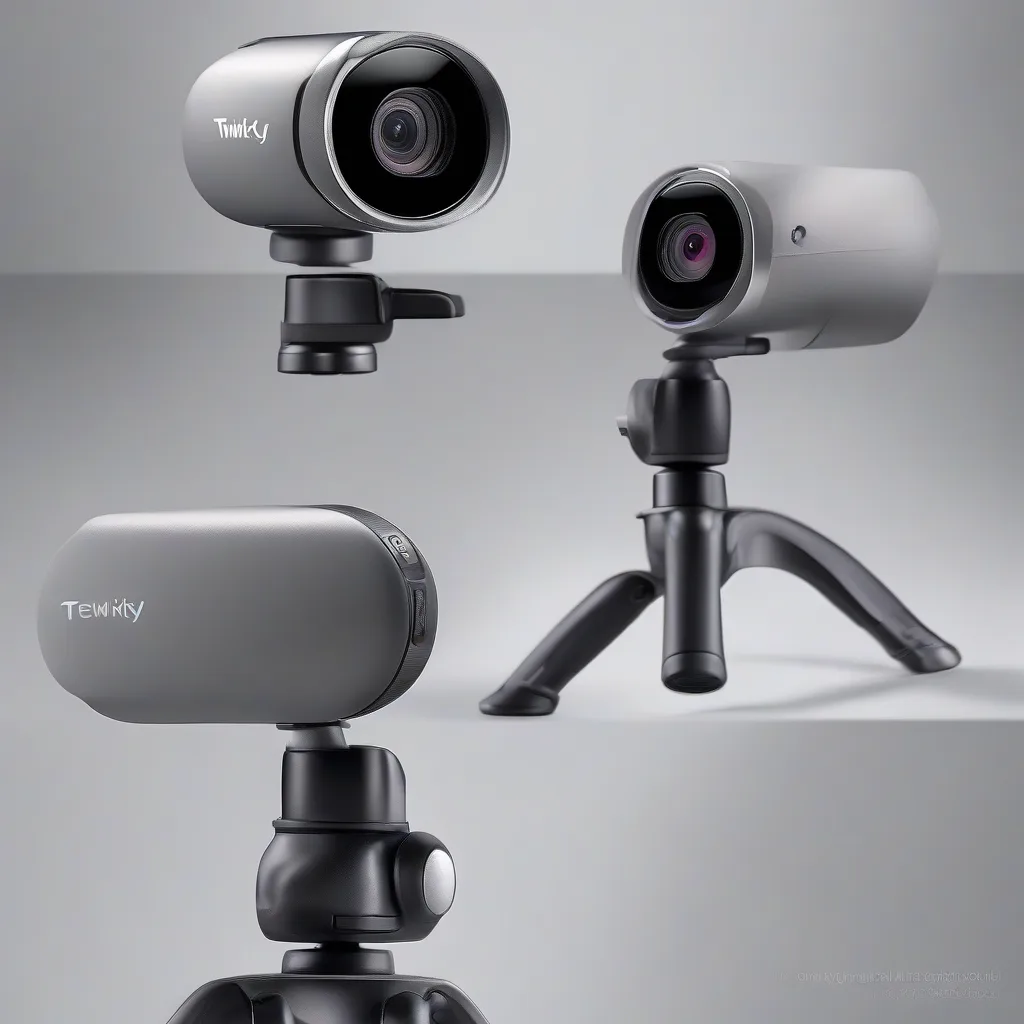
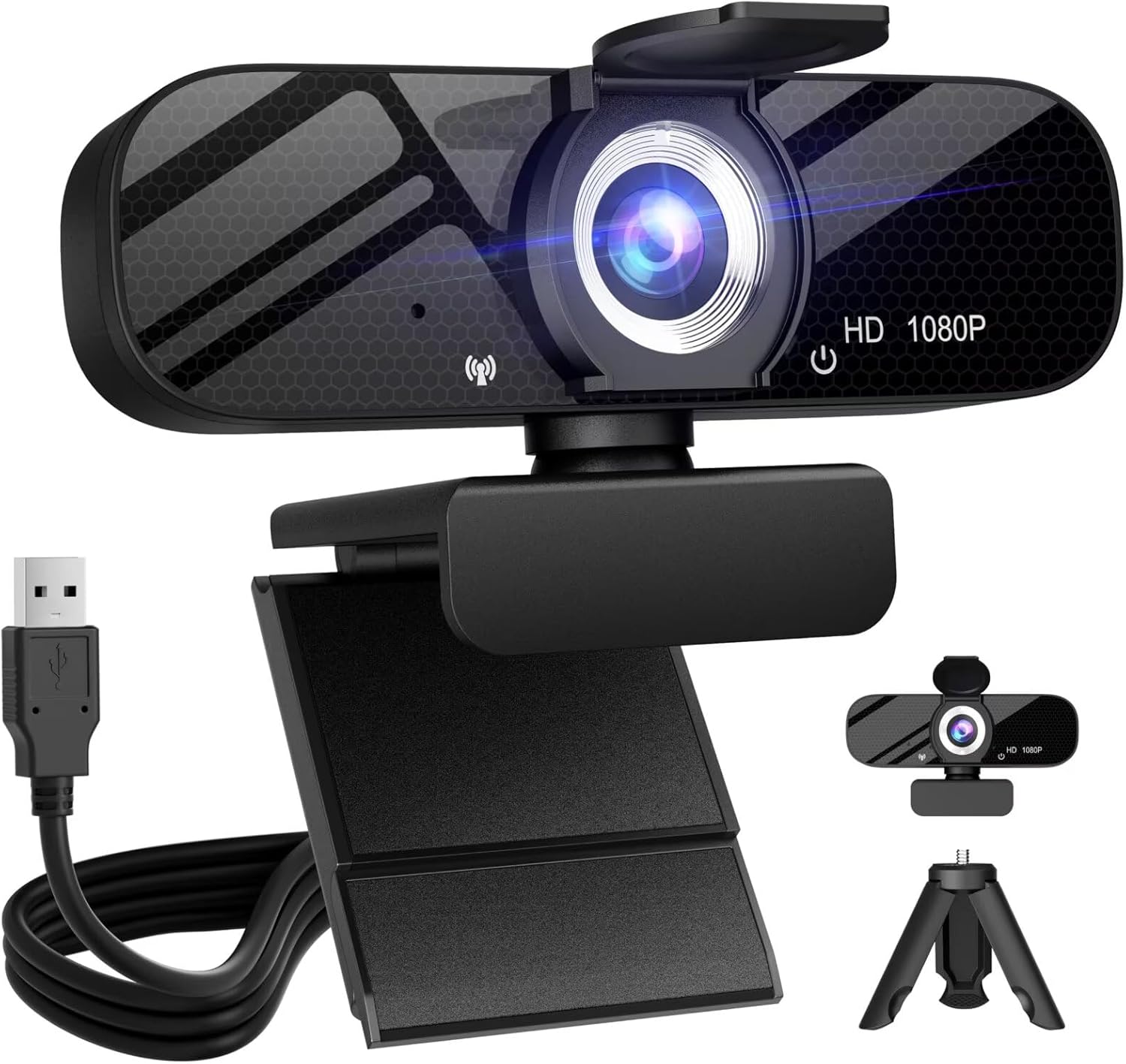
Finding a reliable webcam that doesn't break the bank can feel like searching for a needle in a haystack. The Tewiky Full HD Webcam has been making waves in the budget webcam category, promising professional-quality video calls at a fraction of the cost of premium brands. But does this $15.20 camera actually deliver, or is it too good to be true?
In this comprehensive review, we'll dive deep into what the Tewiky webcam offers, examine its real-world performance, and help you decide if it's the right fit for your home office setup. With nearly 4,000 customer reviews and a 4.2-star rating on Amazon, there's plenty of real user feedback to consider.
Key Specifications
| Feature | Specification |
|---|---|
| Video Resolution | 1080P Full HD (1920x1080) |
| Microphone | Built-in dual stereo microphone |
| Field of View | Wide angle lens |
| Mounting Options | Clip-on mount + rotatable tripod included |
| Privacy Protection | Physical privacy cover |
| Compatibility | Windows, Mac, Chrome OS |
| Connection | USB plug-and-play |
| Price | $15.20 |
What We Like
- Exceptional Value: At just over $15, this webcam delivers features you'd typically find in cameras costing three times as much. The inclusion of both a clip-on mount and a rotatable tripod is particularly generous at this price point.
- True Plug-and-Play Setup: No driver installation needed. Users consistently report that the camera works immediately after plugging it into their computer, making it perfect for less tech-savvy users or quick setup situations.
- Privacy Cover Included: The physical privacy shutter gives you peace of mind when the camera isn't in use. It's a small touch that shows thoughtful design, especially important for home office users concerned about security.
- Decent 1080P Quality: While not cinema-grade, the video quality is more than adequate for Zoom meetings, Google Meet calls, and everyday video conferencing. In good lighting conditions, the image is clear and professional-looking.
- Flexible Mounting: The ability to use either the clip-on mount or the tripod means this camera adapts to different desk setups. The tripod is particularly useful for laptop users who want the camera at eye level without balancing it on their screen.
- Built-in Microphone: The dual microphone setup provides acceptable audio quality for casual calls, though serious content creators will still want a dedicated microphone.
What Could Be Better
Low-Light Performance: Like most budget webcams, the Tewiky struggles in dimly lit environments. The image becomes grainy and colors wash out when there isn't sufficient lighting. If your home office doesn't have great natural light, you'll want to invest in a small ring light or desk lamp to get the best results.
Auto-Focus Limitations: The camera uses fixed focus, which works well if you stay at a consistent distance from the lens. However, if you move around frequently during calls or need to show objects up close, the lack of autofocus becomes noticeable. This is common at this price point but worth noting for potential buyers.
Who Is It For?
The Tewiky Full HD Webcam is ideal for several types of users. Remote workers who need a reliable camera for daily team meetings will find it more than adequate, especially if they're upgrading from a poor-quality laptop camera. The price point makes it an excellent choice for students attending online classes, where budget constraints are often a primary concern.
Small business owners setting up multiple workstations will appreciate the ability to outfit several employees with quality webcams without significant expense. At $15.20 per camera, you could equip five team members for less than the cost of a single premium webcam.
This camera also works well as a backup option for professionals who have a primary, more expensive webcam. Having a reliable spare for under $20 provides peace of mind during important presentations or interviews.
However, this webcam may not be the best choice for professional content creators, streamers who broadcast in varying lighting conditions, or users who need advanced features like background removal or sophisticated autofocus. For those use cases, investing in a higher-tier camera would be worthwhile.
Final Verdict
The Tewiky Full HD Webcam delivers remarkable value at its $15.20 price point. While it won't replace professional-grade equipment, it absolutely excels in its category as a budget-friendly solution for everyday video calling needs.
The 4.2-star rating from nearly 4,000 users tells a compelling story: this is a camera that consistently meets or exceeds expectations for its price range. The inclusion of both mounting options, a privacy cover, and solid 1080P video quality in good lighting makes it a smart purchase for most home office users.
Yes, you'll need decent lighting to get the best results, and no, it won't impress professional videographers. But for the average remote worker, student, or small business owner who needs clear video for meetings without spending a fortune, the Tewiky webcam is an easy recommendation.
If you're currently using a mediocre built-in laptop camera and want an affordable upgrade that actually makes a difference in your video call quality, this webcam deserves serious consideration. At this price, it's a low-risk investment that can significantly improve how you present yourself in the increasingly video-first work environment.